
Visual outage FAQ guide
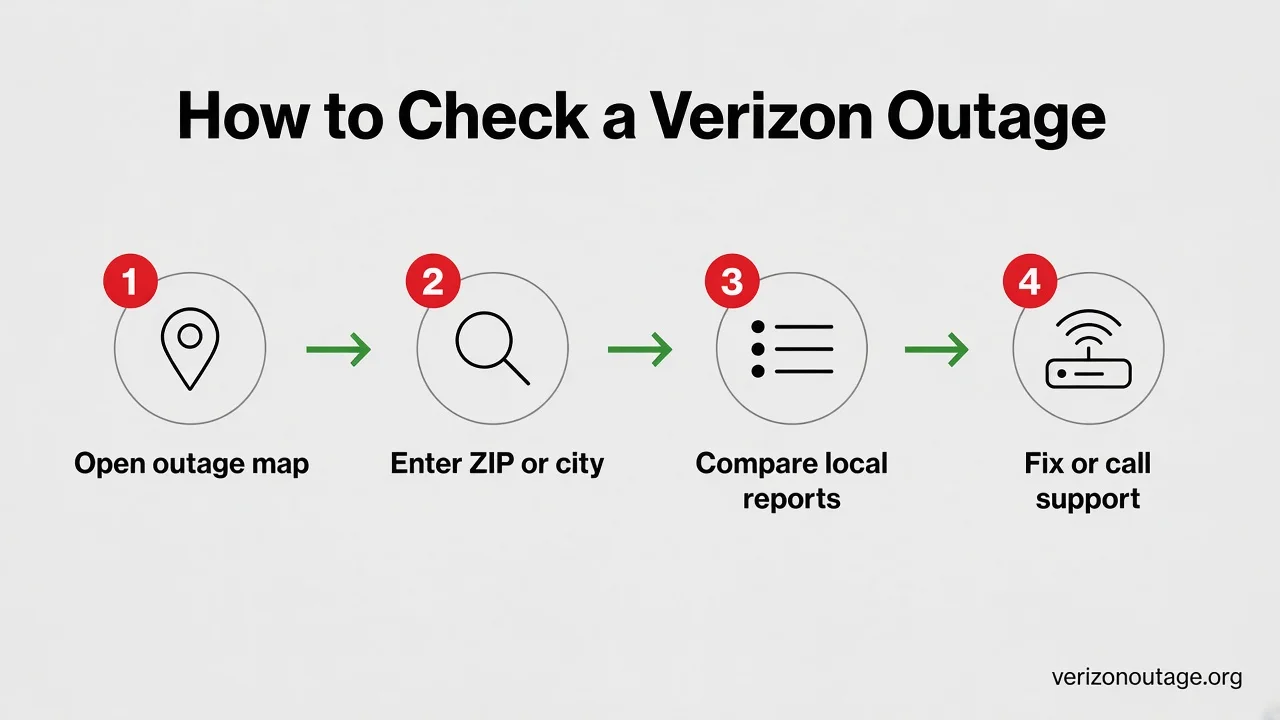
Most “is Verizon down?” questions follow the same path — check the map first, then decide whether to reboot or call.
STEP 01
Open the outage map
See where community reports are clustering before you reset gear.
STEP 02
Enter your ZIP or city
Local pages show whether neighbors are down — or it’s just your home.
STEP 03
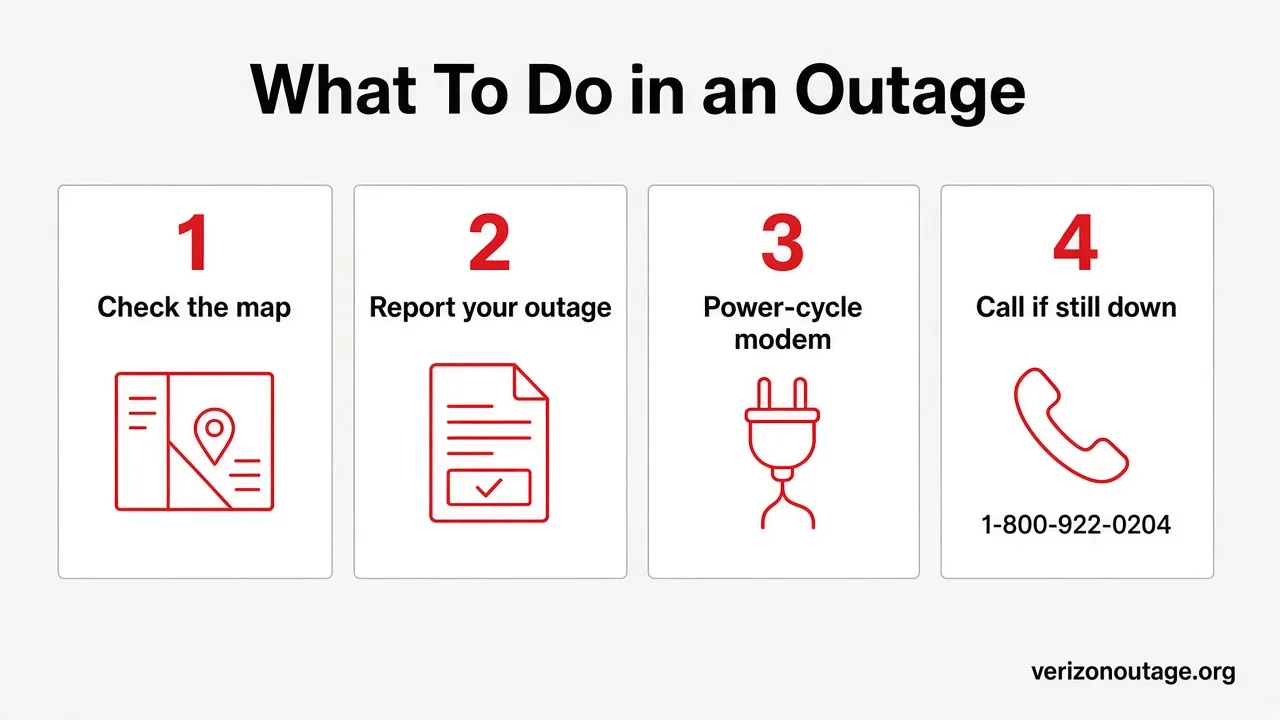
Report if you’re affected
A 15-second report helps others and keeps the live status accurate.
STEP 04
Reboot, then escalate
Power-cycle modem/router. Still down after a few hours? Call Verizon.
Frequently asked questions
Live outage status (right now)
Outage status checks
Reporting outages
Causes, duration & fixes
How to check outages
What to do during an outage
If the map shows neighbors offline too, wait for restoration and skip endless reboots. If it's only your home, follow the steps below — then escalate to Verizon support if nothing clears.
Tip: If neighbors are down too, wait for restoration. If it’s only your home, a correct power cycle usually clears it.
Watch: check a Verizon outage
Short explainer for outage status, SOS mode, and what to try before you call support.
Verizon down? SOS mode explained — how to check the outage map
Quick walkthrough of what a Verizon outage and SOS mode mean, plus how to check status and what to try before you call support. Open on YouTube.
Still having issues?
Report your outage — it takes about 15 seconds and helps everyone in your area see live status. Or dig deeper with our troubleshooting and customer-service guides.
VerizonOutage.org — independent Verizon outage tracker · Not affiliated with Verizon · Real user reports updated frequently.